
Status
Set products to Active, Draft or Archived in bulk.
The Status field switches products between Shopify’s three product statuses. There is no edit method; pick the new status.
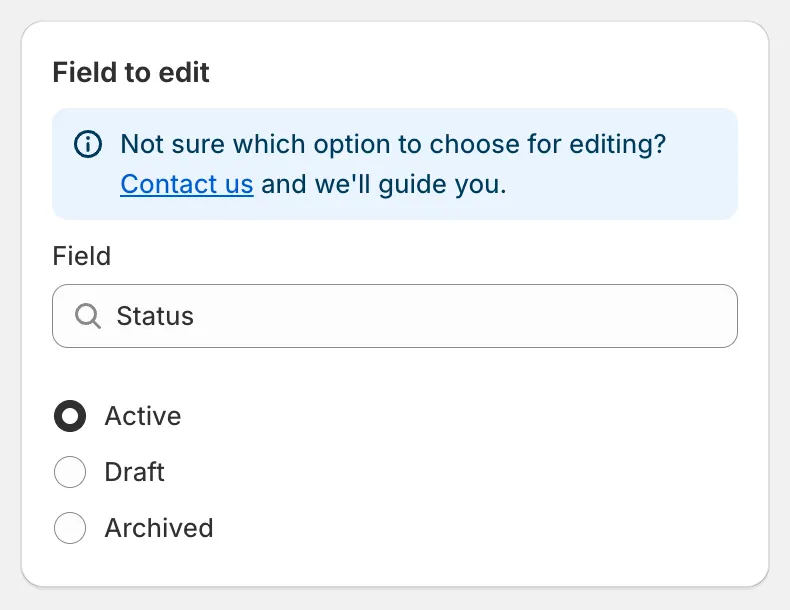
Status
| Status | Meaning in Shopify |
|---|---|
| Active | Available on your sales channels. |
| Draft | Hidden from all channels; still editable in the admin. |
| Archived | Hidden and marked as no longer sold. |
Common uses
Section titled “Common uses”- Hide a seasonal collection. Select Collections, pick the collection, choose Draft, and schedule the revert for the day the season starts. The products become Active again automatically.
- Publish new products at a set time. Use Match conditions with Status is Draft and Created at is after a date, choose Active and Schedule the edit.
- Archive discontinued items. Use Match conditions with Product tag equals
discontinuedand choose Archived.
Reverting the task restores the previous status of each product.