
Contact support
How to reach the Samita support team from inside the app or by email.
Inside the app
Section titled “Inside the app”- Live chat: click the chat bubble in the bottom-right corner of any app page.
- Contact us in the app menu opens a form. Your name, Your email, Subject and Message are required.
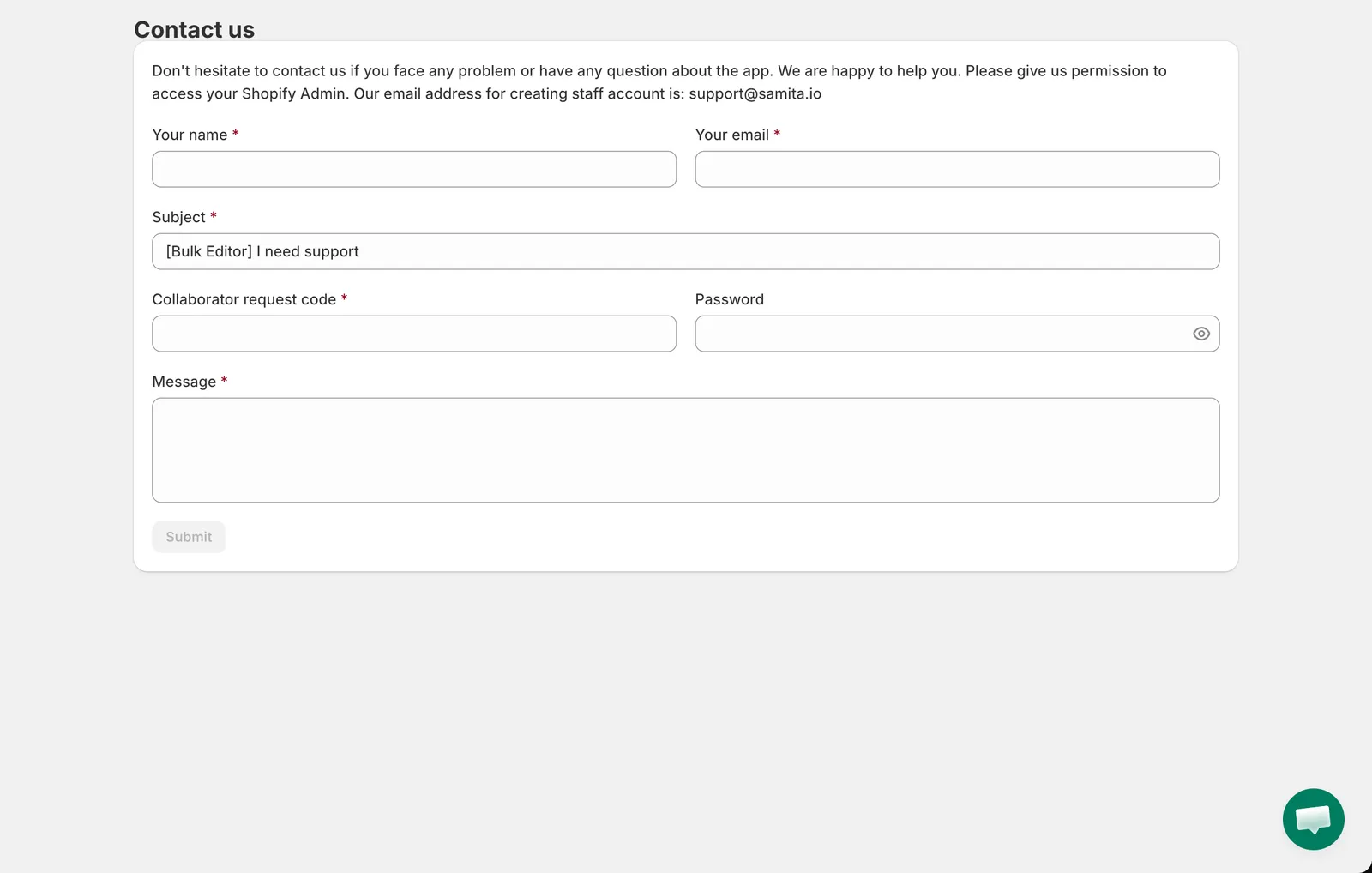
Contact us
The form also asks for a Collaborator request code. This is the code from Shopify admin › Settings › Users › Security › Collaborators. Sharing it lets our team request collaborator access to your store so we can look at the task with you. Never share your Shopify password; the optional Password field is only for a temporary staff account you may have created for us.
By email
Section titled “By email”Write to [email protected].
What to include
Section titled “What to include”- The task ID (the # number in the Tasks list) and the task name.
- What you expected and what happened, with a screenshot of any error banner.
- If products look wrong, please contact us before pressing Revert now, so we can inspect the current state.