
Choose a field to edit
The Choose a Field to Edit page and the full list of fields you can bulk edit.
Clicking New bulk edit opens the Choose a Field to Edit page. Use the search box to find a field by name, or browse the groups on the left. Click Select on a card to start a task for that field.
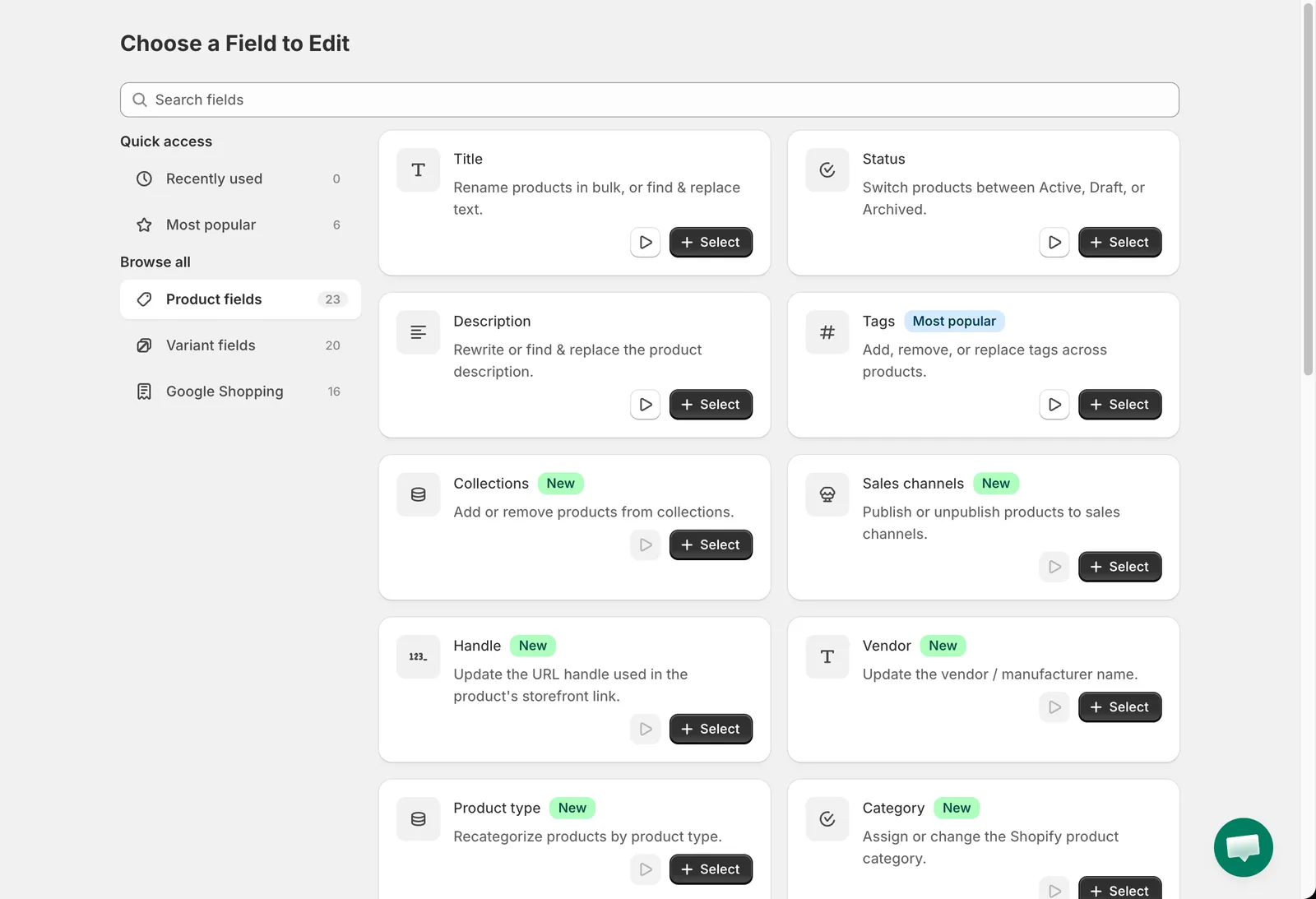
Product fields
Groups
Section titled “Groups”| Group | Contents |
|---|---|
| Recently used | Fields you selected before, for quick access. |
| Most popular | Tags, Price, Compare at price, Price by market, Compare at price by market, SKU. |
| Product fields | Fields that belong to the product as a whole. |
| Variant fields | Fields that belong to each variant (price, SKU, weight and so on). |
| Google Shopping | The Google Shopping metafields Shopify uses for the Google & YouTube channel. |
Cards marked New were added recently. Cards with a play button have a short video tutorial.
Product fields
Section titled “Product fields”| Field | What it does | Guide |
|---|---|---|
| Title | Rename products or find & replace text in titles. | Text fields |
| Status | Switch products between Active, Draft and Archived. | Status |
| Description | Rewrite or find & replace text in the description. | Description |
| Tags | Add, remove or replace tags. | Tags |
| Collections | Add products to, or remove them from, manual collections. | Collections and sales channels |
| Sales channels | Publish or unpublish products on sales channels. | Collections and sales channels |
| Handle | Change the URL handle. | Text fields |
| Vendor | Change the vendor name. | Text fields |
| Product type | Change the product type. | Text fields |
| Category | Assign a Shopify product category. | Category, template and visibility |
| Theme template | Assign a different theme template. | Category, template and visibility |
| Search engine visibility (seo.hidden) | Hide or show products in search engines. | Category, template and visibility |
| SEO title | Change the search engine page title. | Text fields |
| SEO description | Change the search engine meta description. | Text fields |
| Custom product metafield | Edit any product metafield that has a definition. | Custom metafields |
| Option name 1, 2, 3 | Rename the option in a given position, for example Size. | Product options and variants |
| Edit existing option | Rename an option by its current name. | Product options and variants |
| Create new option | Add a new option with values. | Product options and variants |
| Remove product options | Remove option positions from products. | Product options and variants |
| Delete product | Permanently delete matching products. | Delete products and variants |
| Delete variants by option value | Delete variants whose option value matches. | Delete products and variants |
Variant fields
Section titled “Variant fields”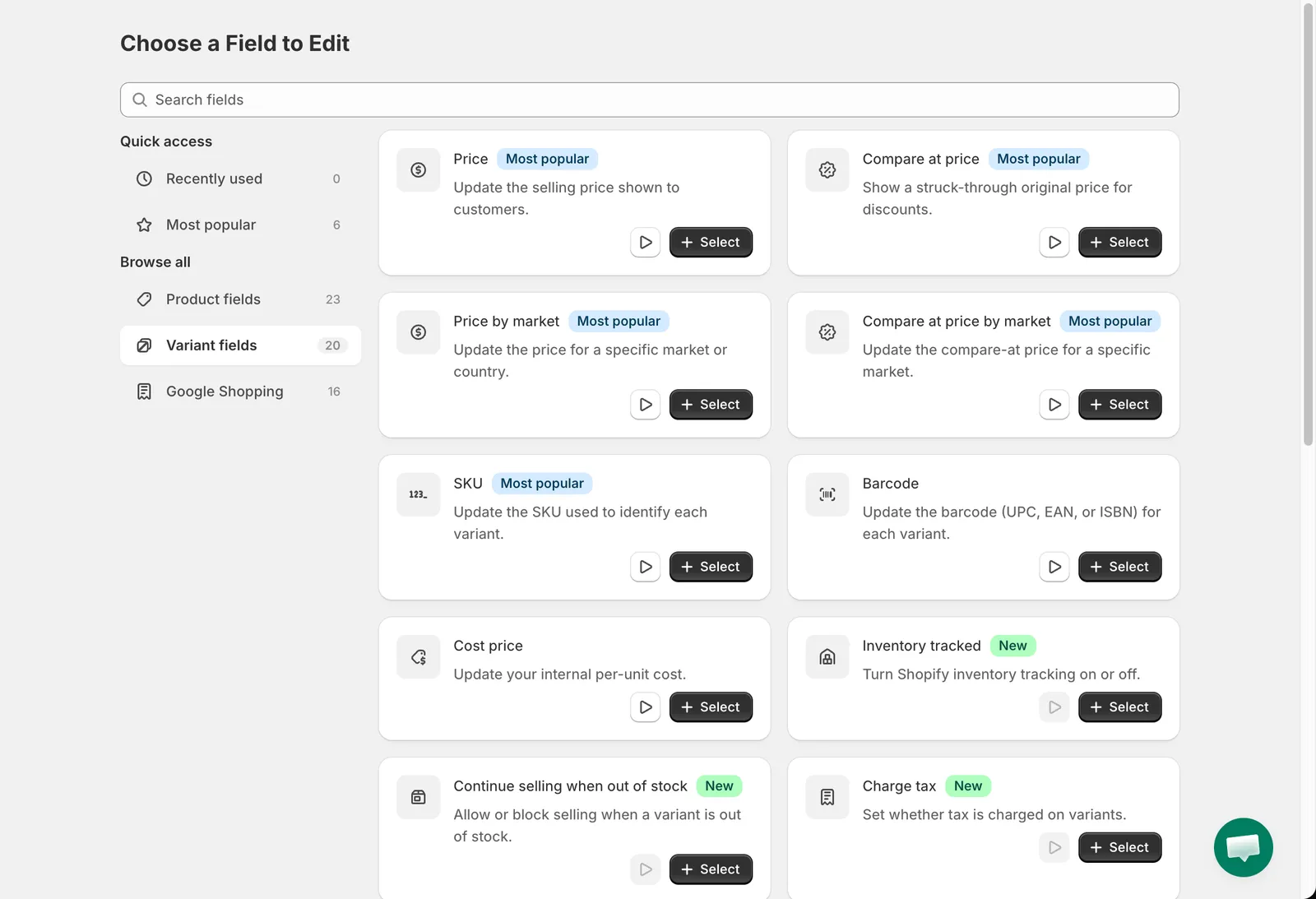
Variant fields
| Field | What it does | Guide |
|---|---|---|
| Price | Change the selling price. | Price and compare-at price |
| Compare at price | Change the strike-through price. | Price and compare-at price |
| Price by market | Change the price in one Shopify Market. | Price by market |
| Compare at price by market | Change the compare-at price in one Shopify Market. | Price by market |
| SKU | Change the SKU. | SKU and barcode |
| Barcode | Change the barcode. | SKU and barcode |
| Cost price | Change the cost per item. | Cost price |
| Inventory tracked | Turn inventory tracking on or off. | Inventory, tax, shipping and customs |
| Continue selling when out of stock | Allow or stop selling at zero stock. | Inventory, tax, shipping and customs |
| Charge tax | Turn tax on or off. | Inventory, tax, shipping and customs |
| Is physical product | Mark variants as physical or digital. | Inventory, tax, shipping and customs |
| Country code of origin | Set the customs country of origin. | Inventory, tax, shipping and customs |
| Province code of origin | Set the customs province of origin. | Inventory, tax, shipping and customs |
| Harmonized System (HS) code | Set the HS code. | Inventory, tax, shipping and customs |
| Weight | Change the weight and unit. | Inventory, tax, shipping and customs |
| Unit price | Set or clear the unit price measurement. | Inventory, tax, shipping and customs |
| Option value 1, 2, 3 | Change the value of the option in a given position. | Product options and variants |
| Custom variant metafield | Edit any variant metafield that has a definition. | Custom metafields |
Google Shopping
Section titled “Google Shopping”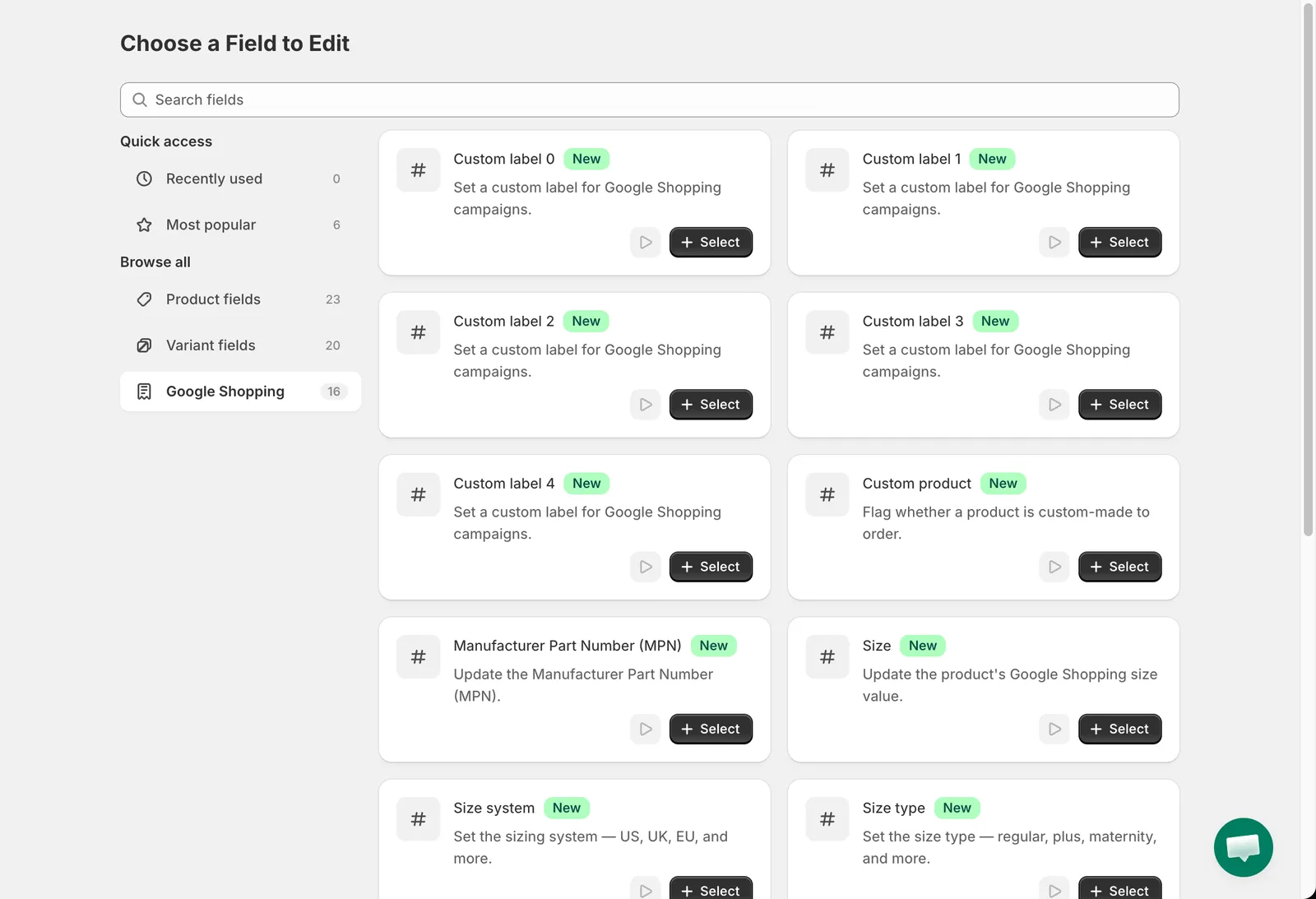
Google Shopping fields
Custom label 0 to 4, Custom product, Manufacturer Part Number (MPN), Size, Size system, Size type, Gender, Age group, Condition, Color, Material and Category. See Google Shopping fields.