
Set your timezone
Choose the timezone used for scheduled starts and reverts.
Scheduled start times, revert times and recurring windows are interpreted in the timezone set here. Dates shown in the app use it too.
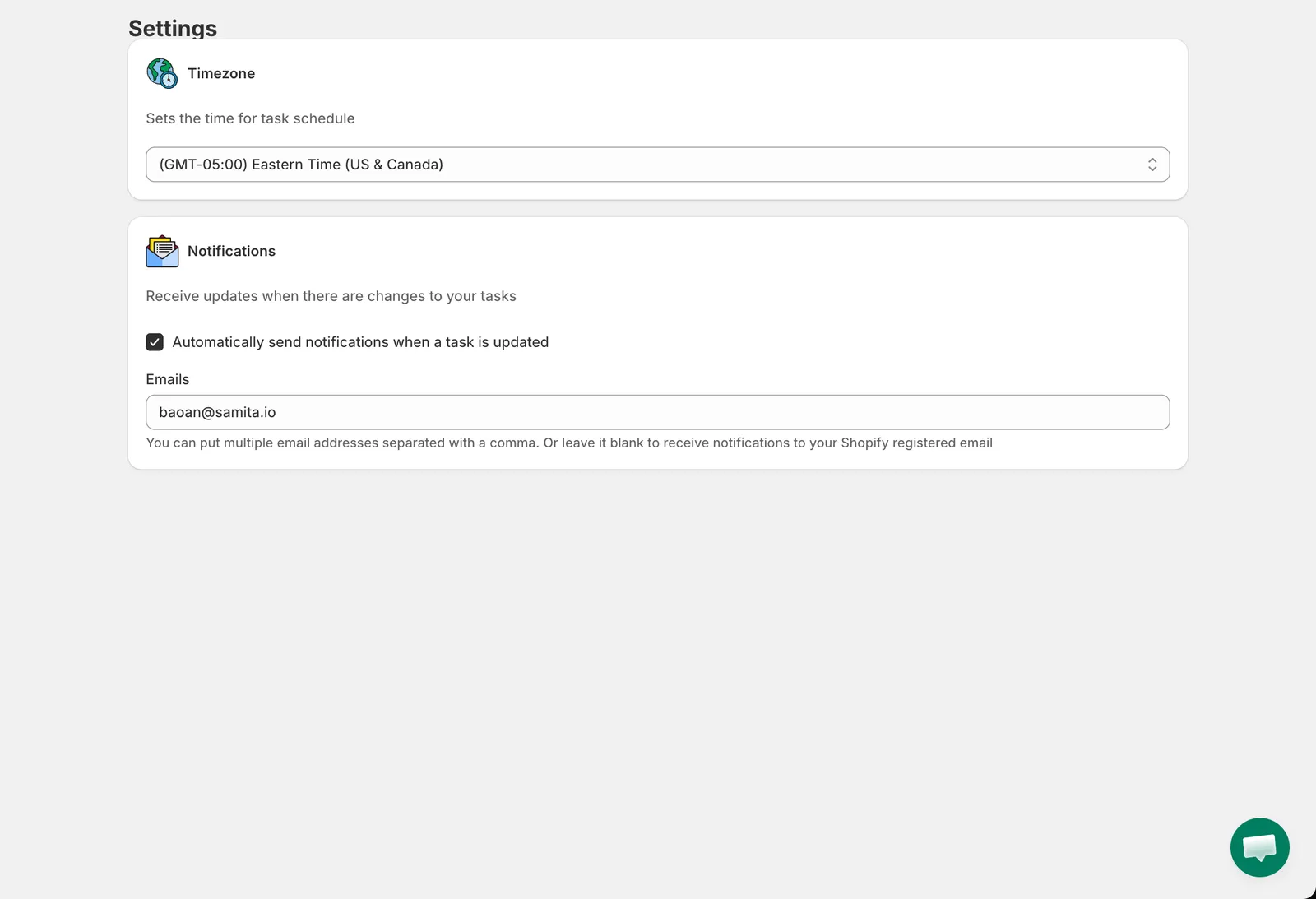
Settings
- Open Settings in the app menu.
- Under Timezone, pick your zone from the list, for example (GMT+07:00) Bangkok, Hanoi.
- Click Save in the top bar. The app shows Settings updated.
If you never change it, the app uses your Shopify store timezone.