
Turn on the app embed
Turn on the theme app embed so your countdowns and sale popups actually render on the storefront.
Countdown Timer Bar Samita reaches your storefront through a Shopify theme app embed. In your theme editor’s App embeds panel it’s listed as Samita Countdown Timer Bar. Until that embed is on, the app can save countdowns perfectly well — shoppers just won’t see any of them.
Turn it on from the dashboard
Section titled “Turn it on from the dashboard”The fastest route opens the theme editor already scrolled to the right panel, so you don’t have to hunt for the embed.
-
Open the dashboard
Section titled “Open the dashboard”Open the app. The dashboard’s first setup card shows the current embed status — Active or Inactive.
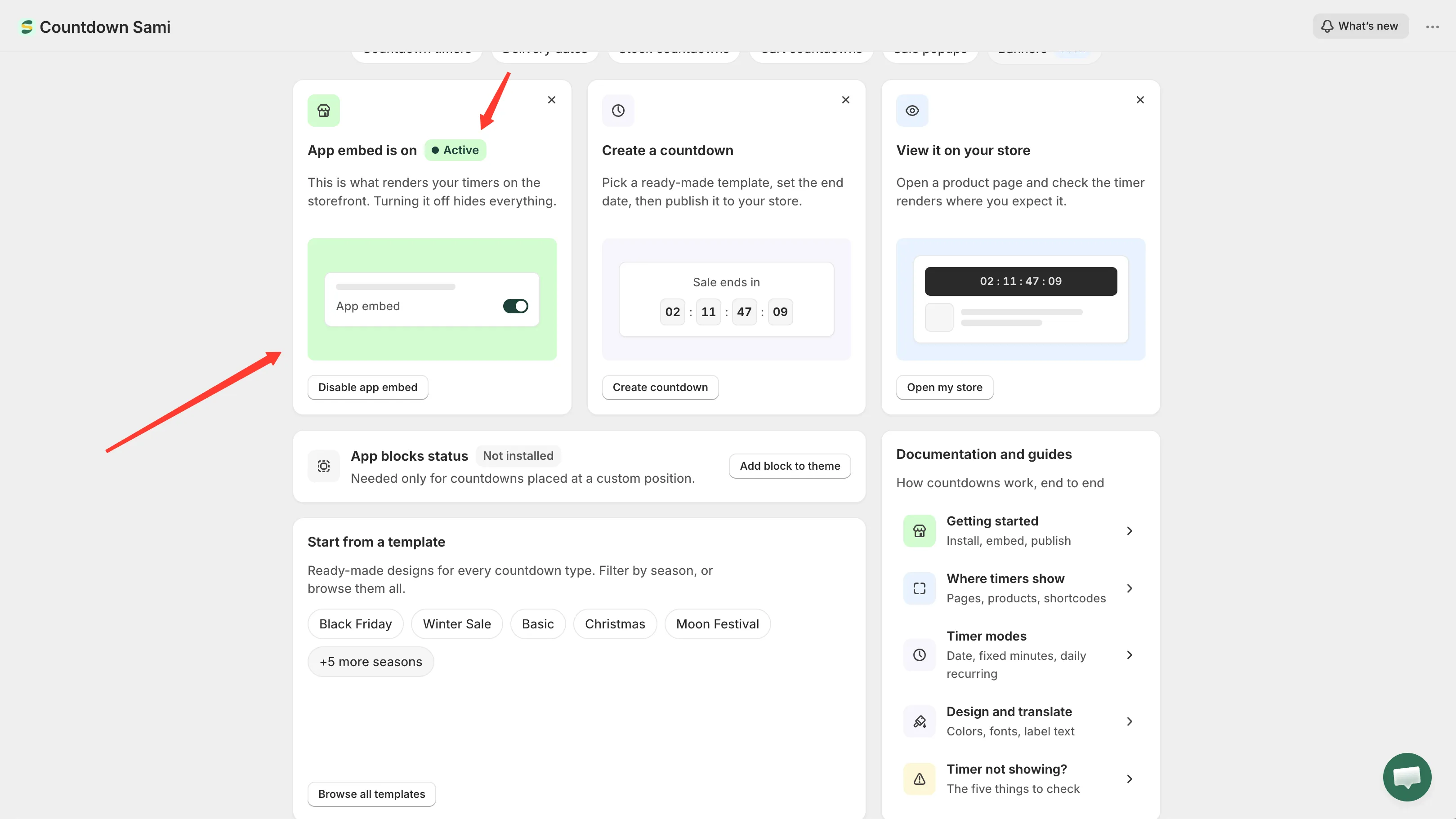
The app embed card on the dashboard reports the current status.
-
Click Enable app embed
Section titled “Click Enable app embed”The app opens your theme editor in a new browser tab, with the App embeds panel already filtered to this app.
-
Switch the embed on
Section titled “Switch the embed on”Find Samita Countdown Timer Bar in the App embeds panel and turn its toggle on.
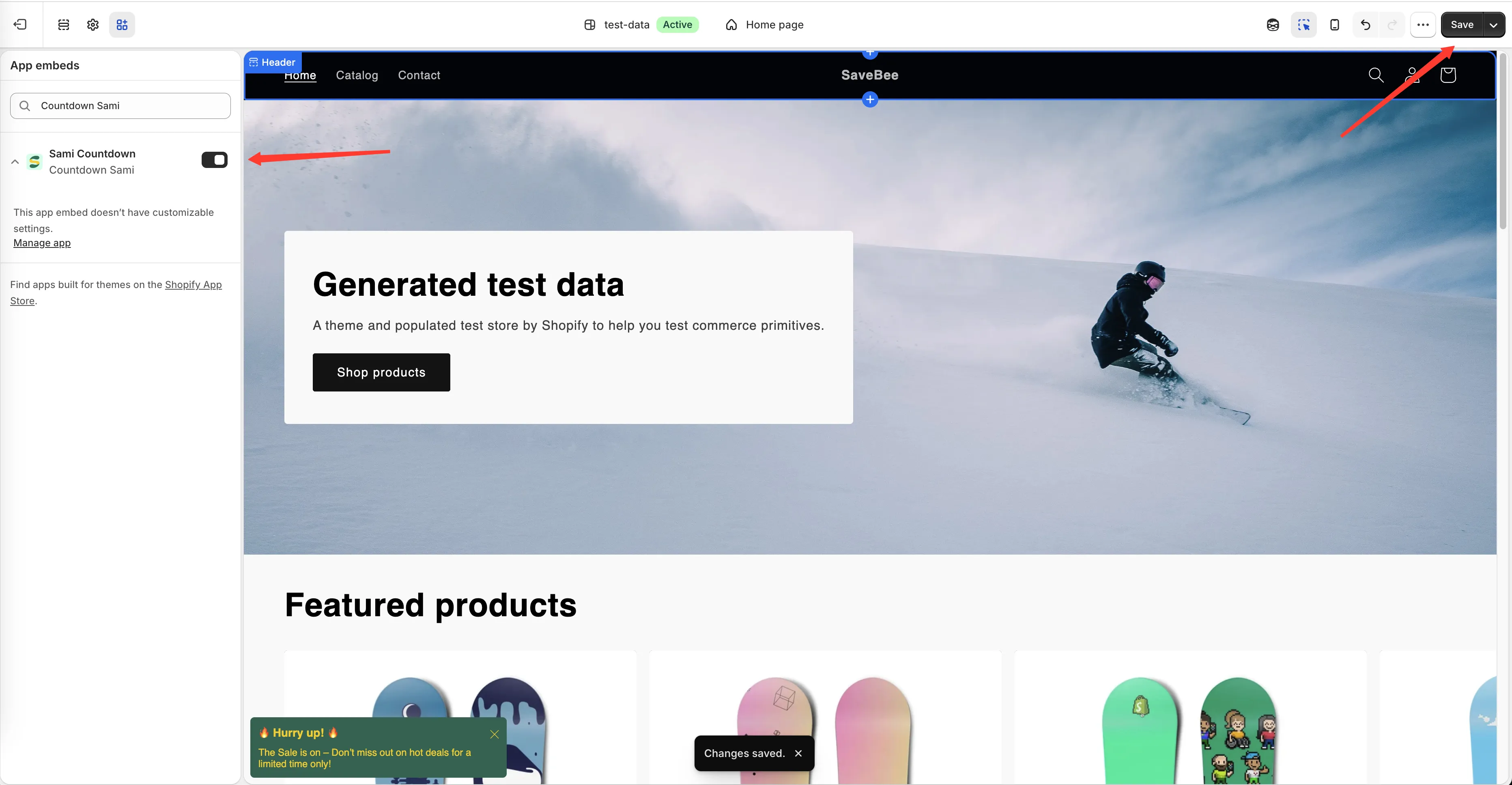
Turn the embed on in the theme editor’s App embeds panel.
-
Click Save in the theme editor
Section titled “Click Save in the theme editor”Nothing takes effect until you save the theme.
-
Go back to the app tab
Section titled “Go back to the app tab”The dashboard re-checks the embed status when you return to it, so the card should flip to Active on its own. If it still says Inactive, reload the page.
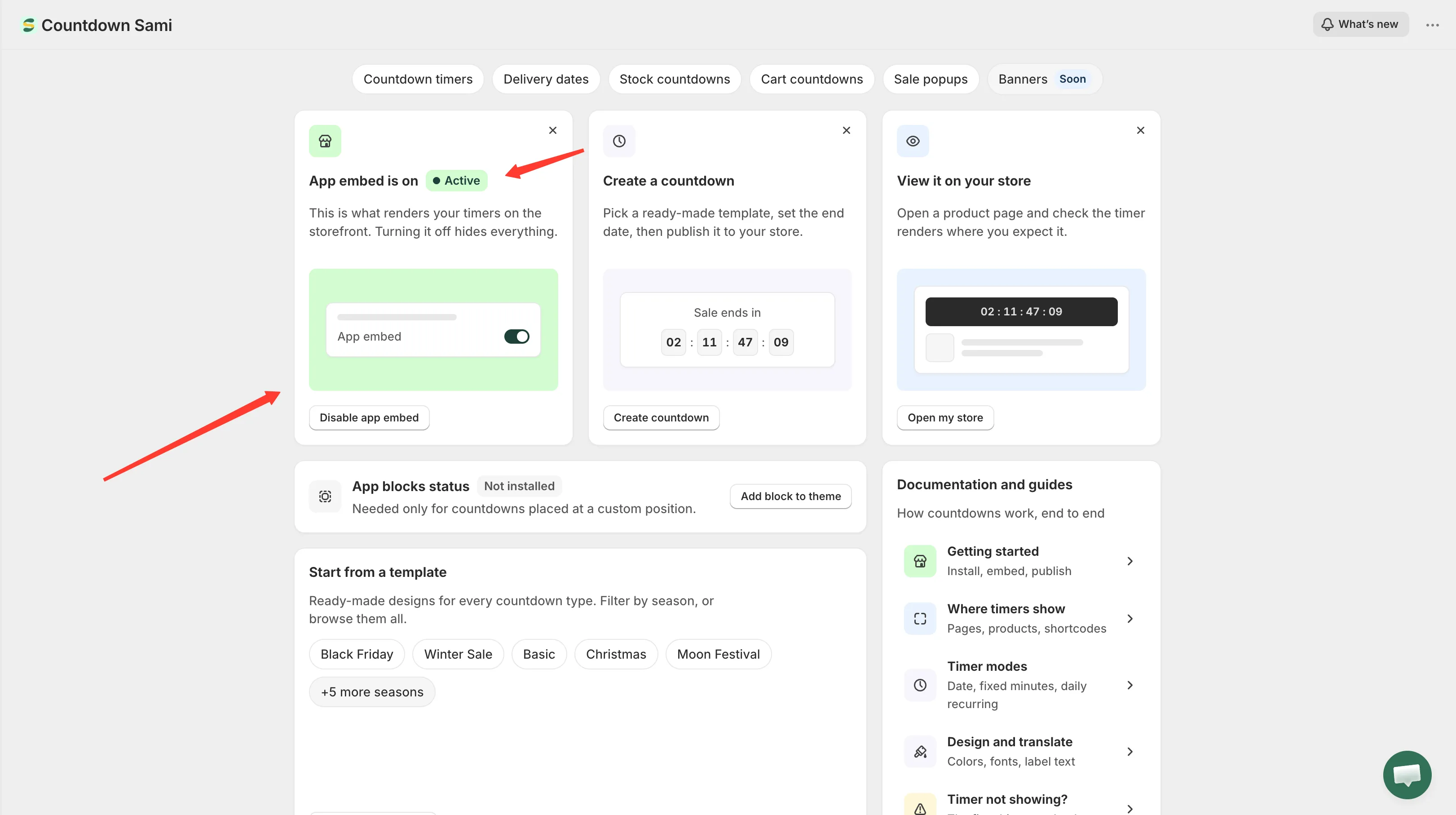
Back on the dashboard, the card reports Active.
The embed is per theme
Section titled “The embed is per theme”The status you see applies to the theme you’re working with. Enable the embed on one theme and preview a different one, and nothing will render there.
If you run more than one theme — a live theme plus a draft you’re preparing, for example — open the theme editor for each theme you want countdowns on and turn the embed on separately. You can switch theme and check status from the Theme integration page.
App blocks are a separate thing
Section titled “App blocks are a separate thing”Alongside the embed, the dashboard reports an App blocks status. That’s a different mechanism, and you only need it if you want to place a countdown at an exact spot in your theme rather than letting the app position it automatically. See Place a countdown with a shortcode.