
状态
批量将产品设置为 Active、Draft 或 Archived。
Status 字段用于在 Shopify 的三种产品状态之间切换产品。没有编辑方式,只需选择新的状态。
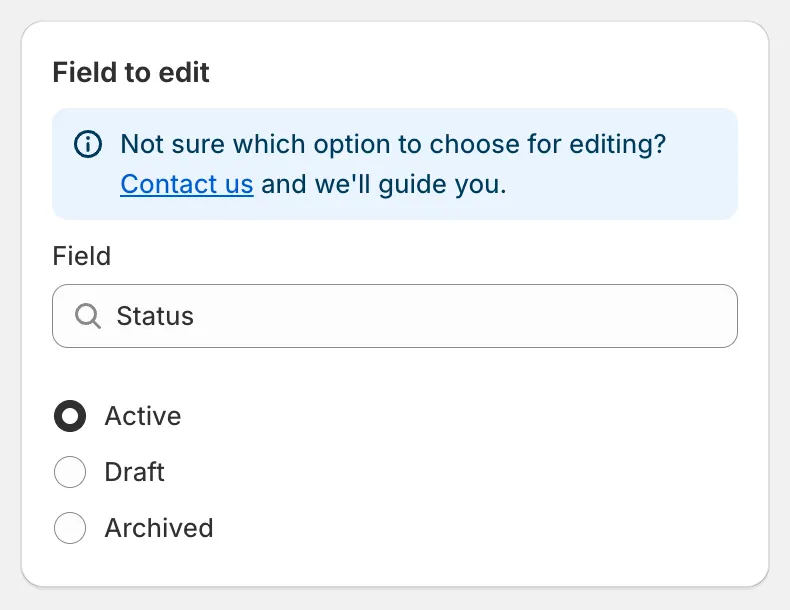
Status
| 状态 | 在 Shopify 中的含义 |
|---|---|
| Active | 在您的销售渠道上可用。 |
| Draft | 在所有渠道中隐藏;仍可在后台中编辑。 |
| Archived | 隐藏,并标记为不再销售。 |
- 隐藏季节性产品系列。 选择 Collections,选择该产品系列,选择 Draft,并将撤销安排在季节开始的那天。产品会自动恢复为 Active。
- 在设定的时间发布新产品。 使用 Match conditions,条件为 Status is Draft 和 Created at is after 某个日期,选择 Active 并选择 Schedule the edit。
- 归档已停售的商品。 使用 Match conditions,条件为 Product tag equals
discontinued,并选择 Archived。
撤销任务会恢复每个产品之前的状态。