
狀態
批次將商品設為 Active、Draft 或 Archived。
Status 欄位可在 Shopify 的三種商品狀態之間切換商品。此欄位沒有編輯方式,直接選擇新的狀態即可。
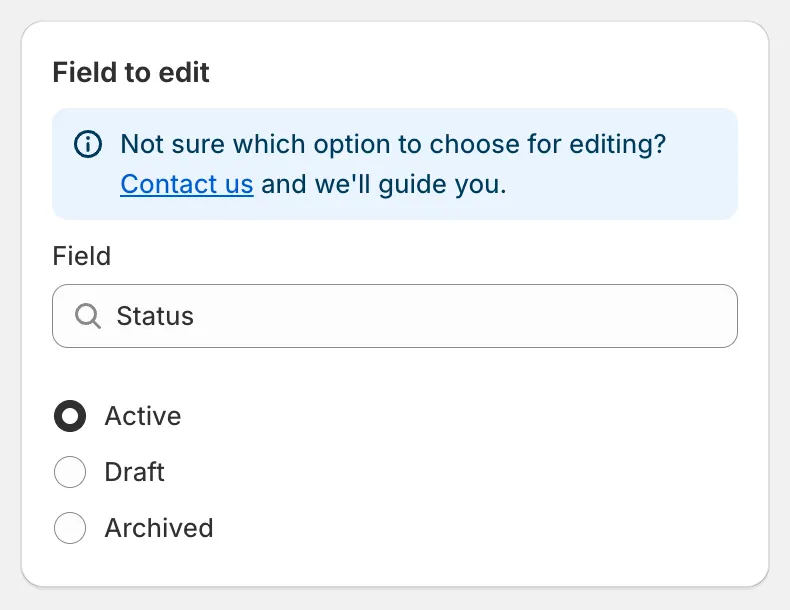
Status
| 狀態 | 在 Shopify 中的意義 |
|---|---|
| Active | 可在您的銷售管道中使用。 |
| Draft | 在所有管道中隱藏,仍可在後台編輯。 |
| Archived | 已隱藏,並標示為不再銷售。 |
- 隱藏季節性商品系列。 選取 Collections,挑選商品系列並選擇 Draft,然後將還原時間排定在該季節開始的當天。商品會自動恢復為 Active。
- 在指定時間上架新商品。 使用 Match conditions 搭配 Status is Draft 和 Created at is after 某個日期,選擇 Active 並選取 Schedule the edit。
- 封存停售商品。 使用 Match conditions 搭配 Product tag equals
discontinued,並選擇 Archived。
還原任務會恢復每項商品先前的狀態。