
Translation overview
Translate the text in your badges, labels, trust badges, highlights, and banners into every language your store sells in, from one page.
The Translation page puts every piece of text from Sami Product Labels in one place, so you can translate it into the languages your Shopify store sells in. Pick a language, go through your badges one by one, and type the translation next to the original — or let AI do the first draft for you.
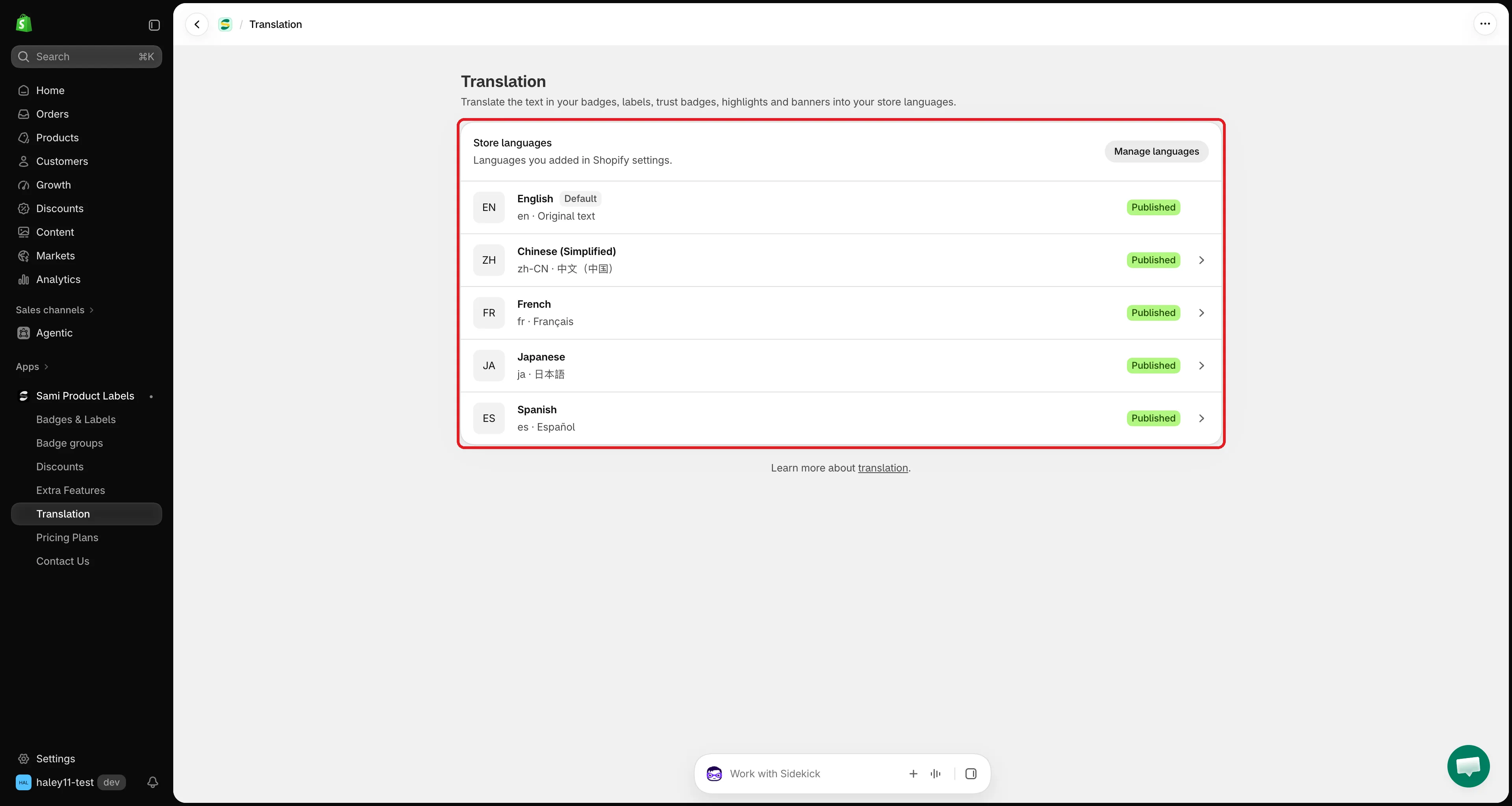
The Translation page lists every language you added in Shopify.
What you can translate
Section titled “What you can translate”Each feature has its own tab on a language’s translation page. Only the texts that exist in the original show up — an empty tooltip, for example, does not need a translation.
| Tab | Texts you can translate |
|---|---|
| Badges & Labels | Text (text badges) or Image (image badges), Link, Tooltip, SEO alt text. Also Countdown: days / hours / minutes / seconds when the text uses {countdown}, and Copied message when it uses {sami_discount_code}. |
| Trust Badges | Title, Description, and the tooltip of each icon (Icon 1 tooltip, Icon 2 tooltip, …). |
| Highlights | Title, Description, and the title and description of each item (Item 1 title, Item 1 description, …). |
| Banners | Each message (Message 1, Message 2, …), each button’s text and copied message, and the countdown units. |
Three ways to translate
Section titled “Three ways to translate”| Method | Best for | Uses |
|---|---|---|
| Type it yourself | Short texts, brand wording, final review | Nothing |
| Auto-translate | Translating every text of a badge in one click | AI tokens (100,000 per month) |
| Translate text in image | Image badges with words in the picture | 1 AI image credit per image (50 per month) |
For image badges, you can also upload your own image for each language.
How translations show on your storefront
Section titled “How translations show on your storefront”- A visitor who switches your store to a language sees the translation you saved for that language.
- Texts you leave empty show in your default language. You don’t have to translate everything at once — a badge with no translation simply keeps its original text.
- Your default language is the source text. It is marked Default on the Translation page and has no translation page of its own; change it in the badge editor as usual.
- Placeholders in curly braces, like
{sale}or{sami_discount_code}, stay as they are in every language, so dynamic values keep working.
Monthly AI limits
Section titled “Monthly AI limits”| Limit | Amount | Shared with |
|---|---|---|
| AI tokens for Auto-translate | 100,000 per month | — |
| AI image credits for Translate text in image | 50 per month | AI image generation and editing |
Both limits reset on the 1st of each month. The bar at the top of each translation page shows how much you’ve used.
Next steps
Section titled “Next steps”- Translate your content — open a language and translate your badges step by step.
- Auto-translate with AI — fill in every text of a badge in one click.
- Translate image badges — redraw the text in an image badge, or upload your own image.