
Google Shopping 欄位
批次編輯 Shopify 傳送給 Google & YouTube 銷售管道的 Google Shopping 中繼欄位。
Choose a Field to Edit 頁面上的 Google Shopping 群組,可編輯 Shopify 用於 Google & YouTube 銷售管道的商品中繼欄位。
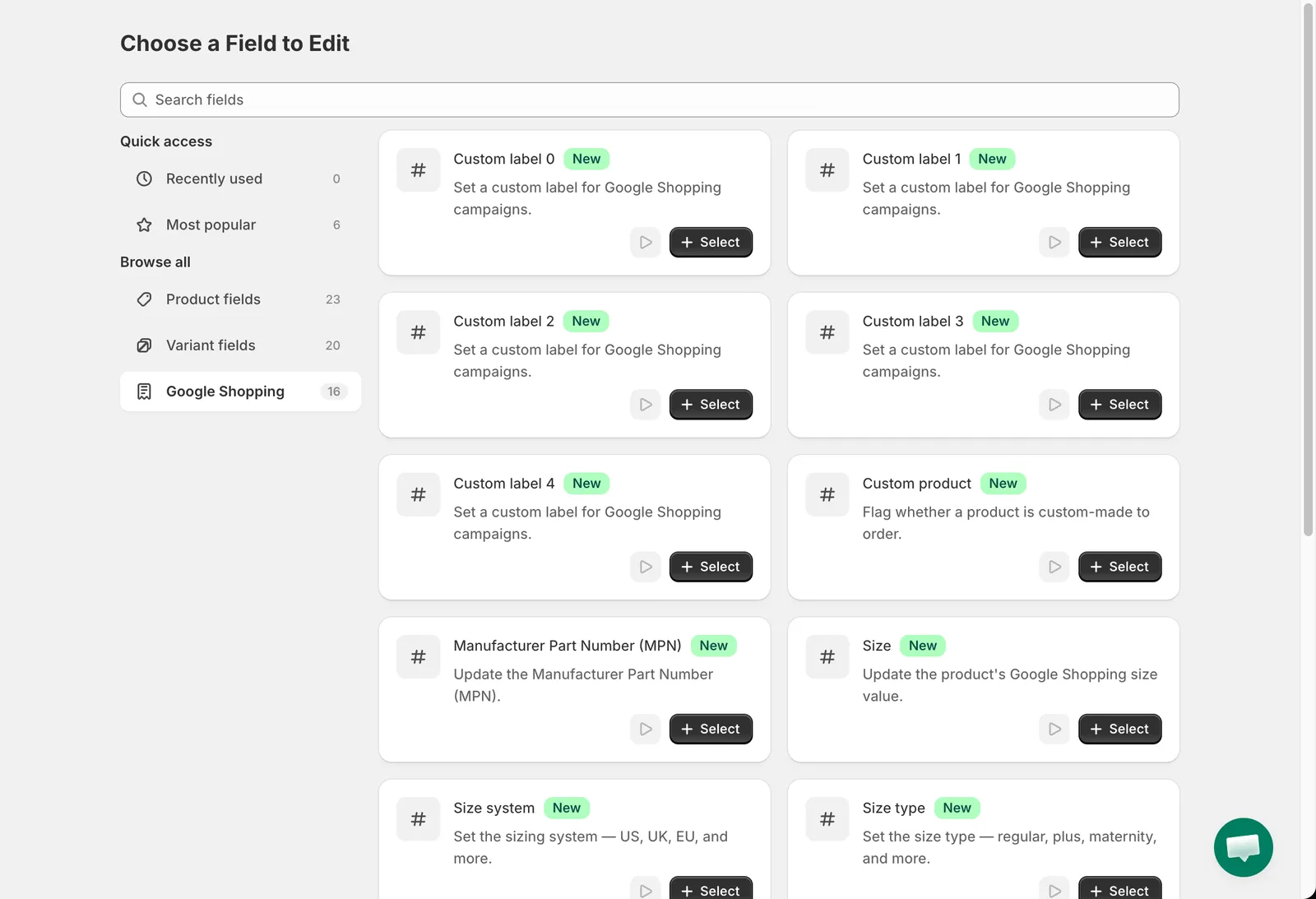
Google Shopping 欄位
Custom label 0 至 Custom label 4、Manufacturer Part Number (MPN)、Size、Color 和 Material 使用標準的文字編輯方式(請參閱標題、handle、供應商、類型與 SEO),另加 Set to null/blank,用來移除該中繼欄位。支援動態變數,例如對 Custom label 0 使用 Replace entire text 並搭配 {{ product.type }}。
| 欄位 | 值 |
|---|---|
| Custom product | Mark as a custom product, Not a custom product |
| Size system | US, UK, EU, AU, DE, FR, JP, MEX, BR, CN, IT |
| Size type | Regular, Petite, Plus, Tall, Big, Maternity |
| Gender | Male, Female, Unisex |
| Age group | Newborn, Infant, Toddler, Kids, Adult |
| Condition | New, Refurbished, Used |
Category
Section titled “Category”此群組中的 Category 會指派 Google product category。編輯方式:Set category。請在選擇器中瀏覽或搜尋 Google 分類。
- Custom label 常用於在 Google Ads 廣告活動中將商品分組,例如依毛利或季節。
- 還原任務會恢復先前的中繼欄位值;如果該中繼欄位先前不存在,則會移除。