
Combinations and limits
Set a minimum purchase, choose which discounts an offer combines with, decide between overlapping Sami offers, and cap how often it's used.
Det här innehållet är inte tillgängligt på ditt språk än.
These settings control how an offer behaves next to other discounts and how far it goes: a minimum purchase, which other discounts it stacks with, which Sami offer wins when two cover the same product, and how many times it can be used. They’re in the editor’s Settings tab, under Advanced.
Purchase requirements
Section titled “Purchase requirements”Flash sales have a Purchase requirements row with a Minimum purchase:
- No minimum — any amount.
- Amount — the shopper must spend at least the Minimum purchase amount.
- Quantity — the shopper must buy at least the Minimum quantity of items.
Both count only the items in this offer, not the whole cart. Other offer types set their thresholds in their own rules on the Offer tab.
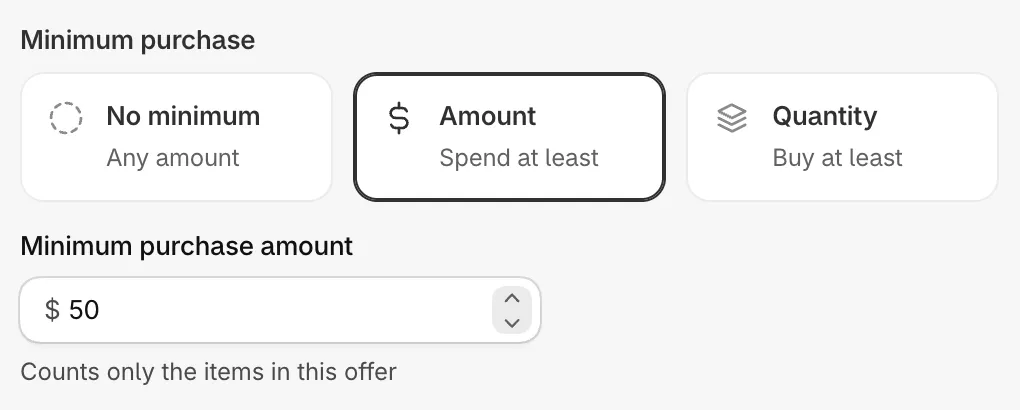
A minimum purchase for a flash sale.
Combinations
Section titled “Combinations”Under Combinations, This offer can combine with has a switch for each kind of discount:
| Switch | Lets this offer apply together with |
|---|---|
| Product discounts | Other discounts on the same items. |
| Order discounts | Discounts on the order subtotal. |
| Shipping discounts | Free or cheaper shipping. Not shown on Free shipping offers. |
A new offer combines with order and shipping discounts, but not with other product discounts.
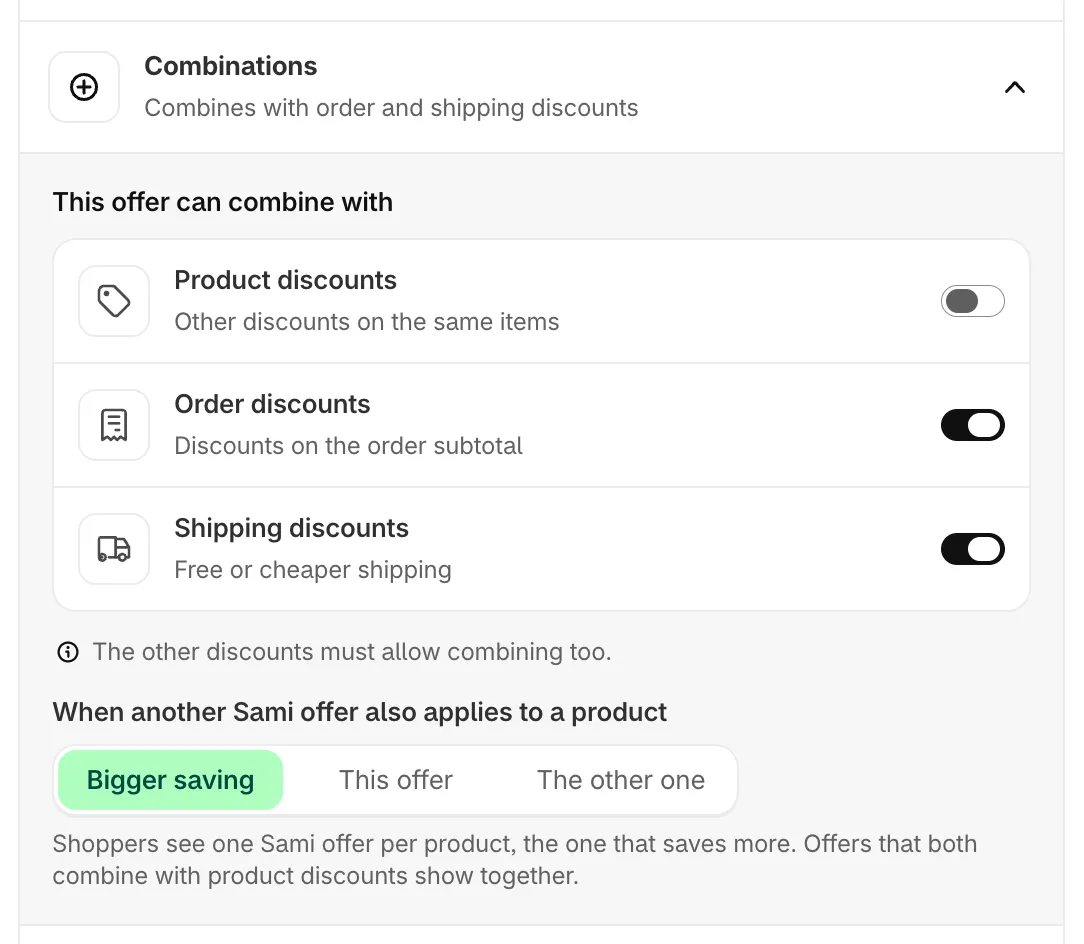
Combinations and the choice between Sami offers.
When two Sami offers cover the same product
Section titled “When two Sami offers cover the same product”When another Sami offer also applies to a product decides what happens when two of your offers include the same product:
| Choice | What happens |
|---|---|
| Bigger saving | Shoppers see one Sami offer per product, the one that saves more. Offers that both combine with product discounts show together. |
| This offer | This offer goes before offers set to The other one. Against the rest the bigger saving still wins, because Shopify applies the better discount. |
| The other one | This offer steps aside on products another Sami offer also covers. |
Bigger saving is the default and suits most stores. Use This offer and The other one as a pair when you want a specific offer to win, for example a product launch over a store-wide sale.
Usage limits
Section titled “Usage limits”| Limit | What it does | Works with |
|---|---|---|
| Total uses | Stops after this many orders. Once the limit is reached, the offer also leaves your store. | Discount code only |
| Uses per customer | Limits uses for Each shopper, counted by email or account. Set it to 1 to allow each customer one use. | Discount code only |
| Discounted items per order | Caps how many items in one order get the discount. Items over the limit pay full price. | Automatic and discount code |
Discounted items per order is available on Flash sale, Tiered discount, Cheapest item free, Buy one get one and Buy X get Y. Under it, Apply first to picks which items get the discount when the order has more than the limit: Cheapest items or Most expensive items.
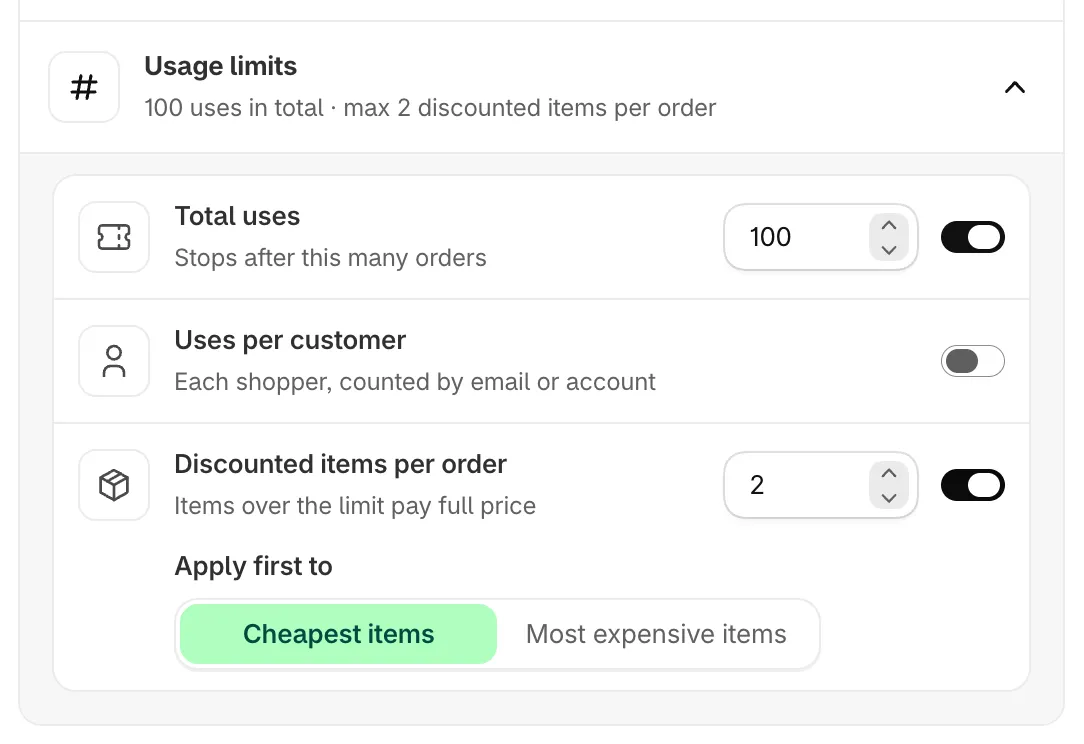
Usage limits.