
寄送電子郵件並在 Invoice Payment 通知中附上 PDF 檔案
設定顧客選擇以 Invoice Payment 稍後付款後收到的電子郵件與 PDF 發票。
此功能與 Payment Term 通知的運作方式相近,唯一差異是 Invoice Payment 不支援 Net Terms 設定。
顧客選擇 Pay Later 後,應用程式會寄出附有 PDF 的通知電子郵件。顧客收到後,可在任何時間完成付款。
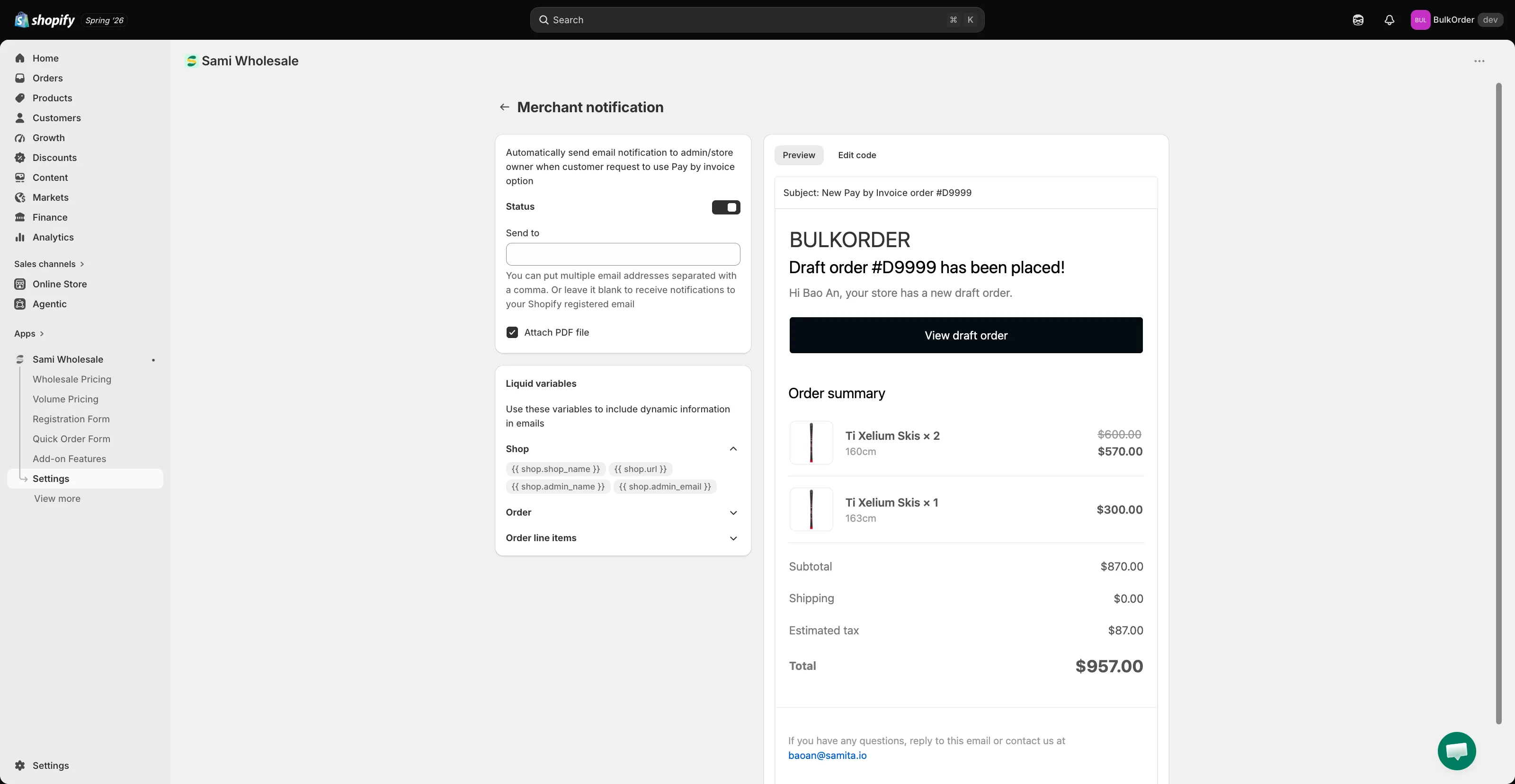
- 若要編輯電子郵件範本,請前往 Settings > Notifications。在 Invoice payments 下,點擊 Merchant notification(您收到的電子郵件)或 Customer notification(顧客收到的電子郵件)。
- 若要在電子郵件中附上 PDF,請開啟 Status,然後勾選 Attach PDF file。
- 若要自訂 PDF 本身,請前往 Settings > PDF templates,然後在 Invoice payments 下點擊 Draft order invoice。在 Appearance 中選擇要顯示的詳細資料,並透過 Preview 面板即時查看變更。