
Sync with Shopify Taxes and Duties setting
Manually refresh the region-specific tax data Tax Display pulls from your Shopify Taxes and Duties settings.
The app pulls region-specific tax data (by country or state) from your Shopify store.
To sync manually, go to the Tax display page and click Settings at the top.
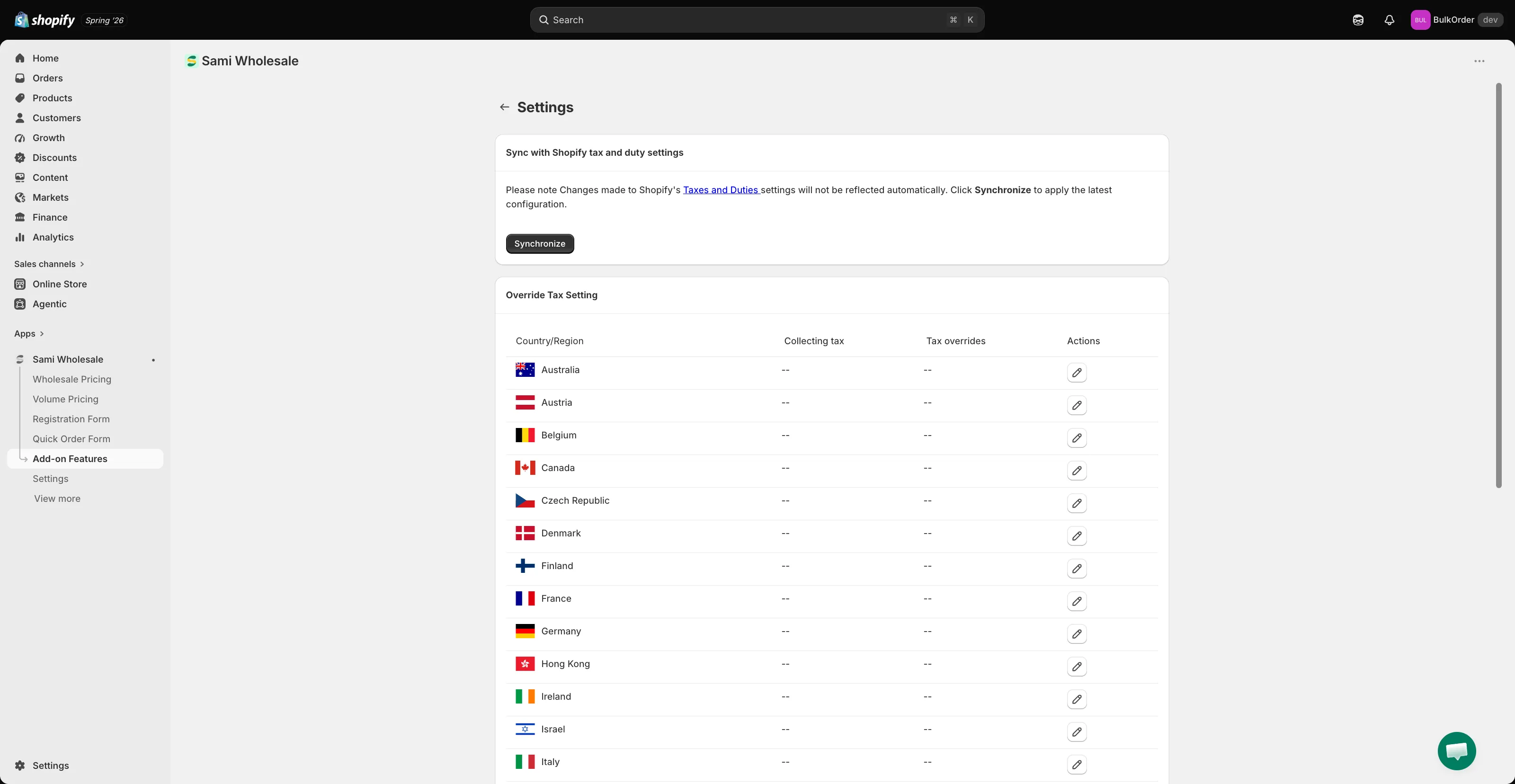
In Sync with Shopify tax and duty settings, click Synchronize.
The app’s tax data is now up to date with Shopify.