
按产品属性定位
根据标题、类型、供应商、价格、标签、库存等属性,将徽章定位到相应的产品。
基于条件的定位会自动在符合您所定义规则的产品上显示徽章,无需逐个手动挑选产品。
可用的产品条件
Section titled “可用的产品条件”条件选择器目前包括:
- 产品标题、类型、供应商、选项和标签
- 产品价格、原价、促销价和重量
- 产品创建日期和发布日期
- 产品库存和产品系列
- 产品和多属性元字段
- 产品多属性和多属性库存
运算符列表会随所选条件而变化。文本条件包含 contains 和 starts with 等运算符;数值条件包含 is greater than 和 is less than;库存条件包含与库存相关的选项。
如何添加条件
Section titled “如何添加条件”-
打开 Products 标签页
Section titled “打开 Products 标签页”在徽章编辑器中,前往 Products。
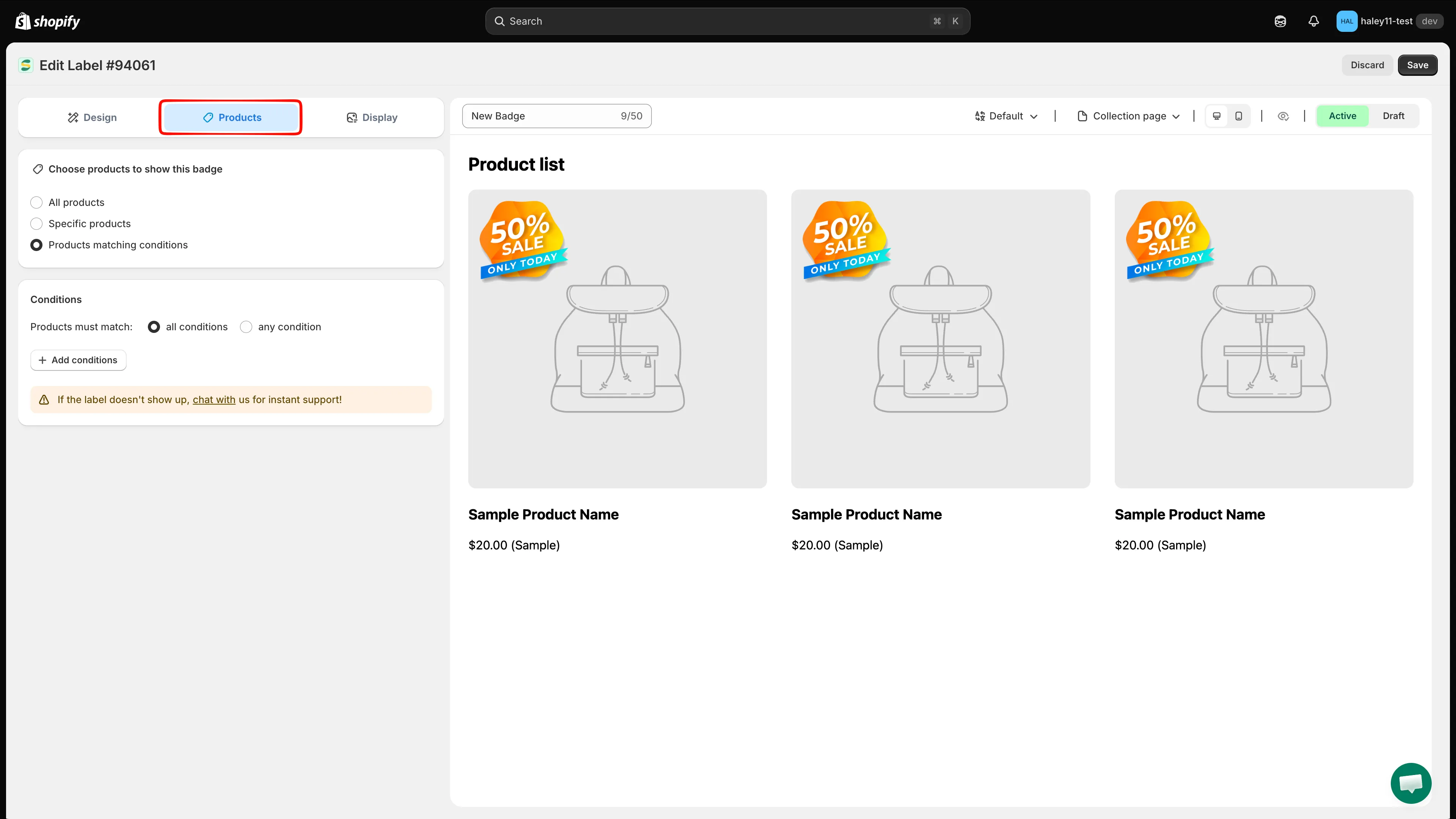
打开徽章编辑器中的 Products 标签页。
-
选择“Products matching conditions”
Section titled “选择“Products matching conditions””在 Choose products to show this badge 下,选择 Products matching conditions(而不是 All products 或 Specific products)。
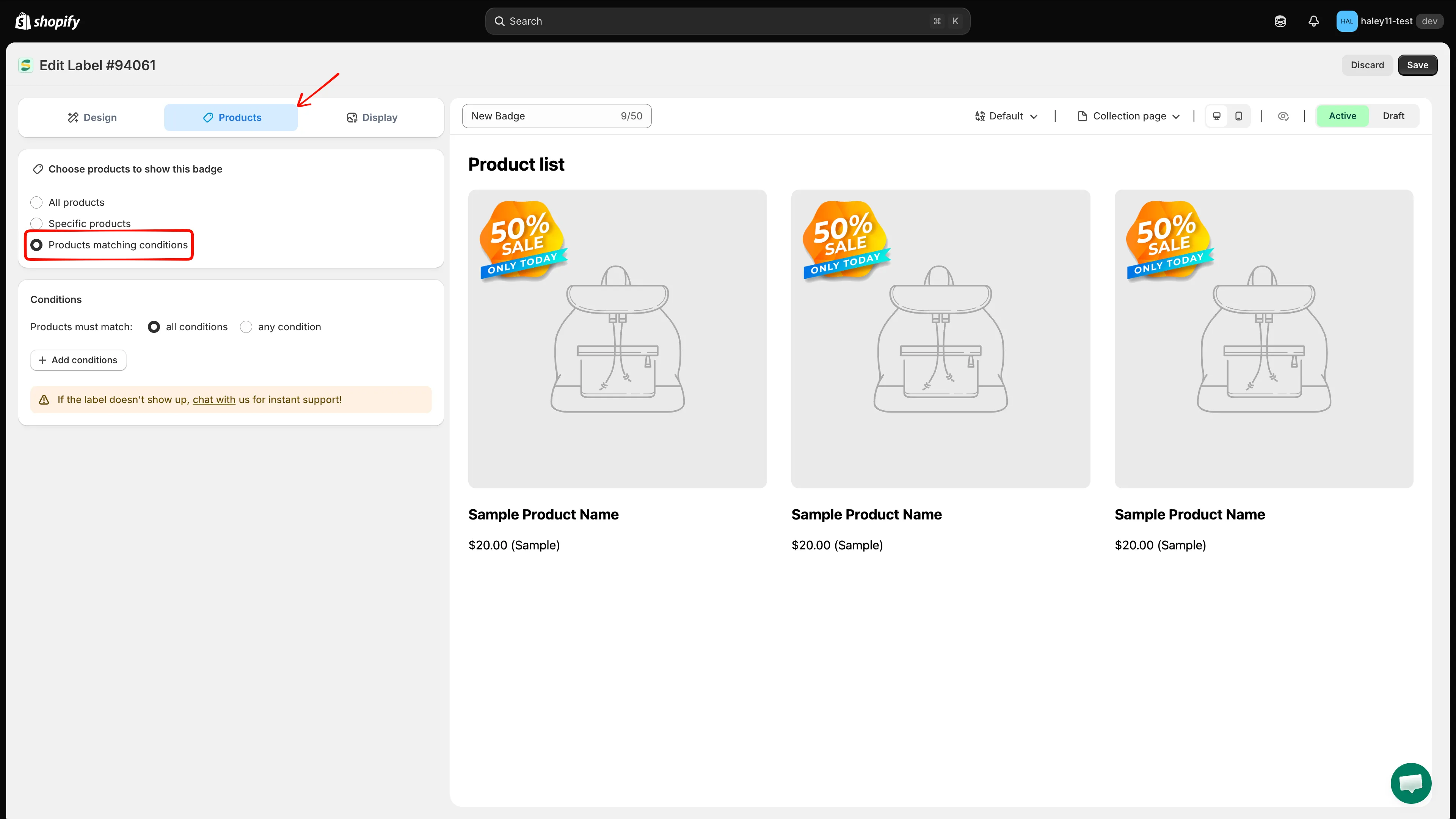
选择 Products matching conditions 以启用基于条件的定位。
-
点击“Add conditions”
Section titled “点击“Add conditions””点击 Add conditions 创建新规则。
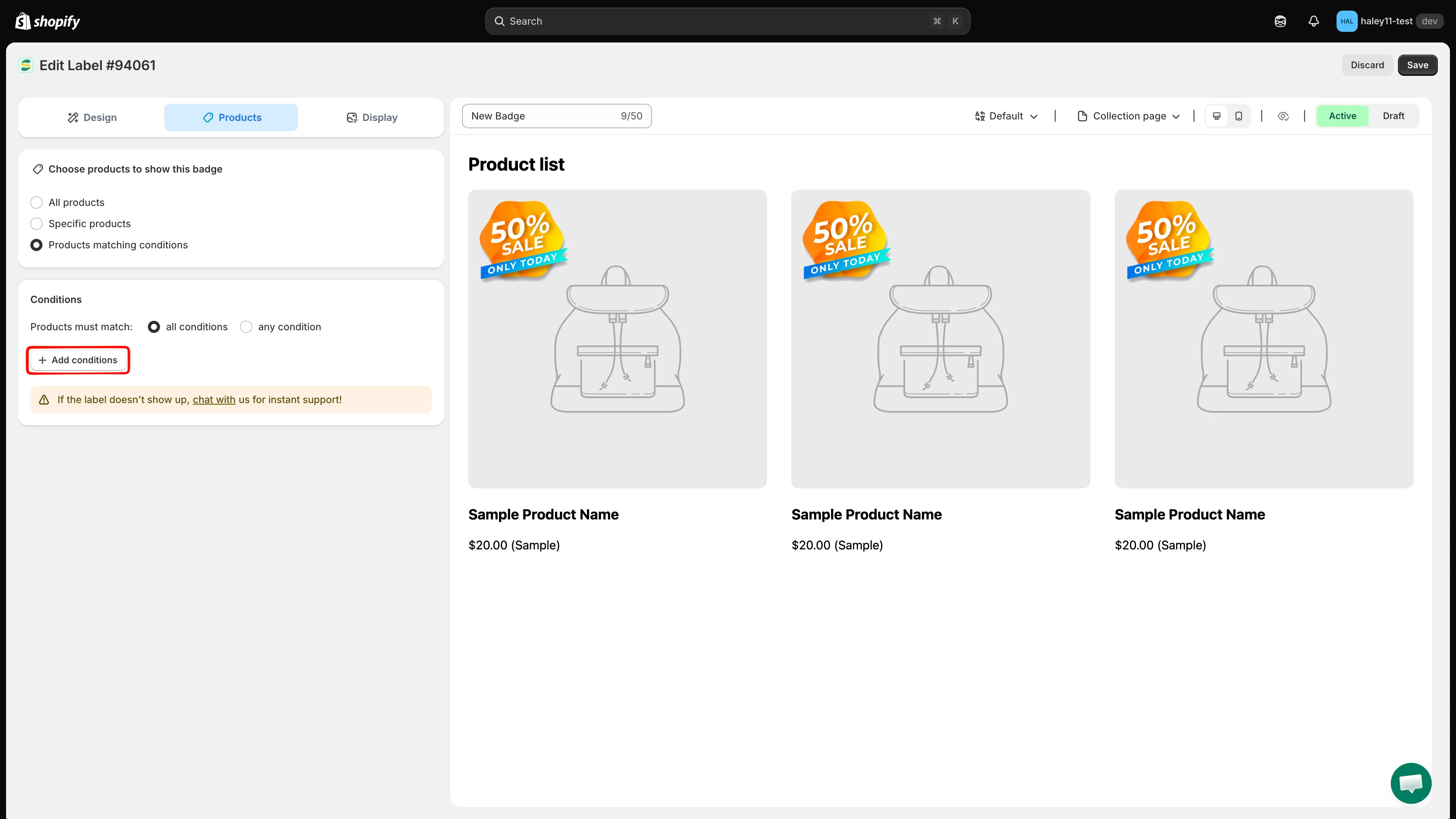
点击 Add conditions 来定义产品定位规则。
-
选择条件类型
Section titled “选择条件类型”从下拉菜单中选择要定位的属性(例如 Product price 或 Product type)。
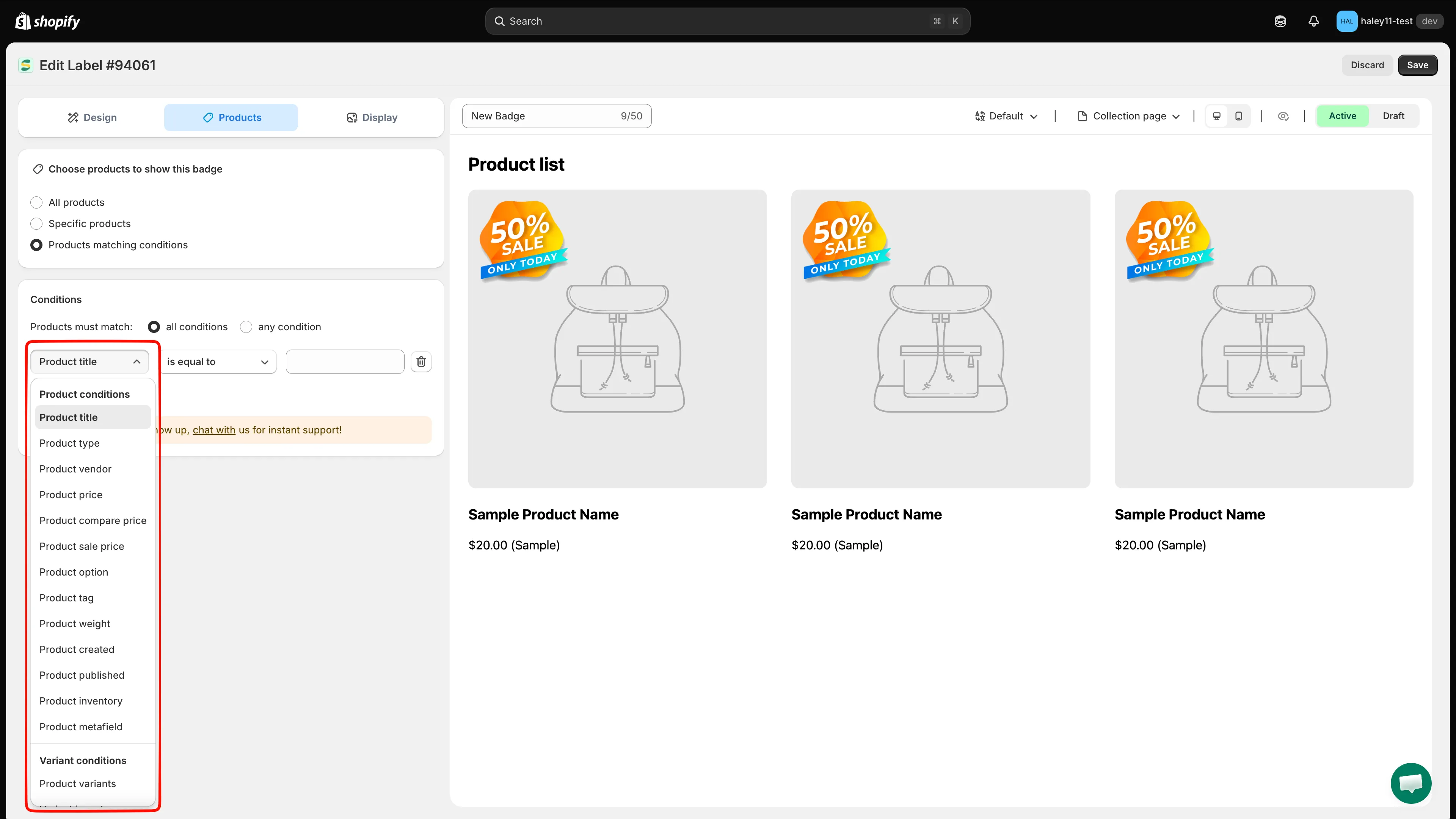
选择要定位的产品属性。
-
选择条件对该属性的判断方式。例如,价格条件选择 is greater than,标题条件选择 contains。
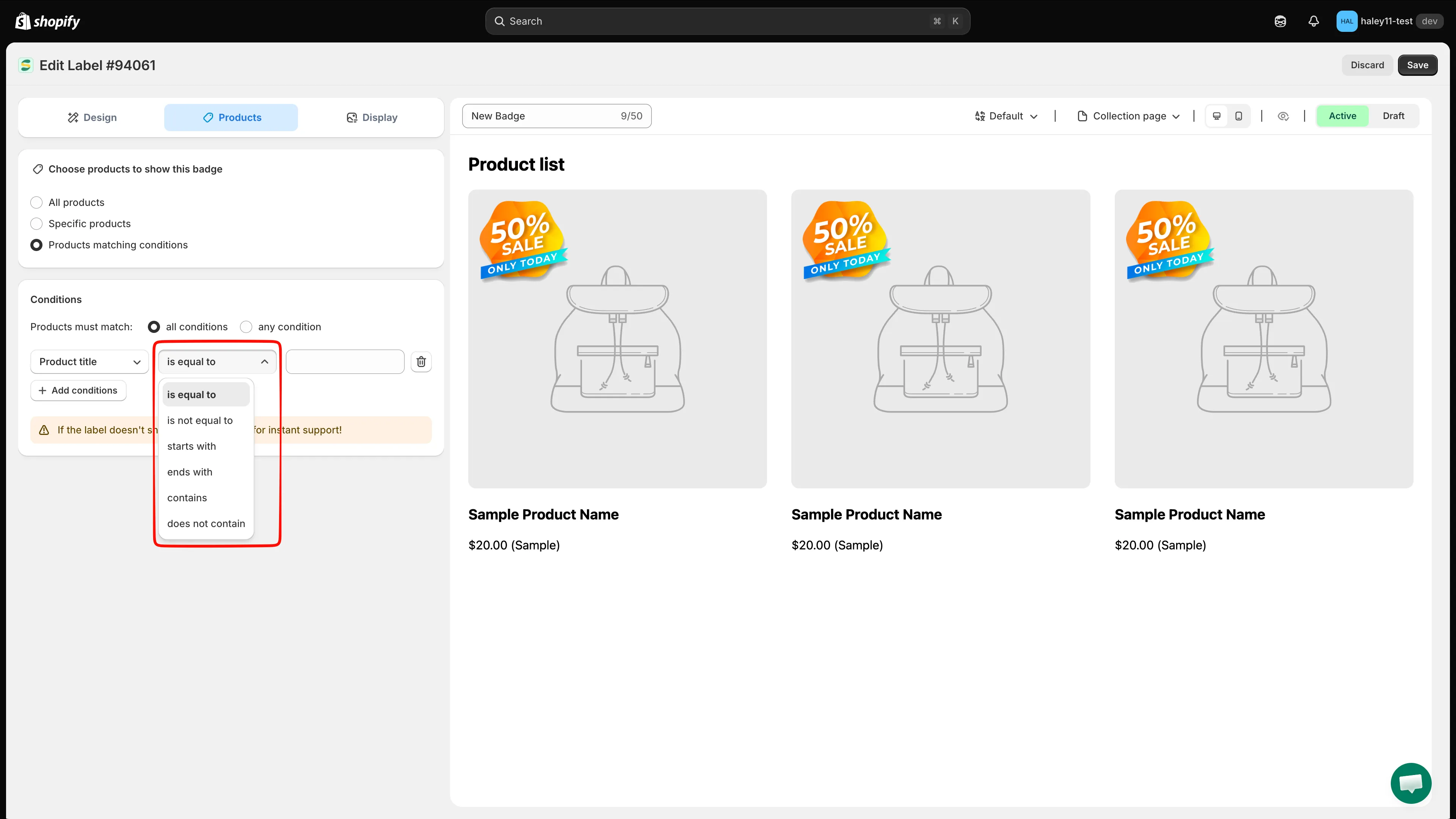
选择条件的运算符。
-
输入要匹配的值。价格条件请输入数字;标题或供应商等文本条件,请输入要匹配的文本。
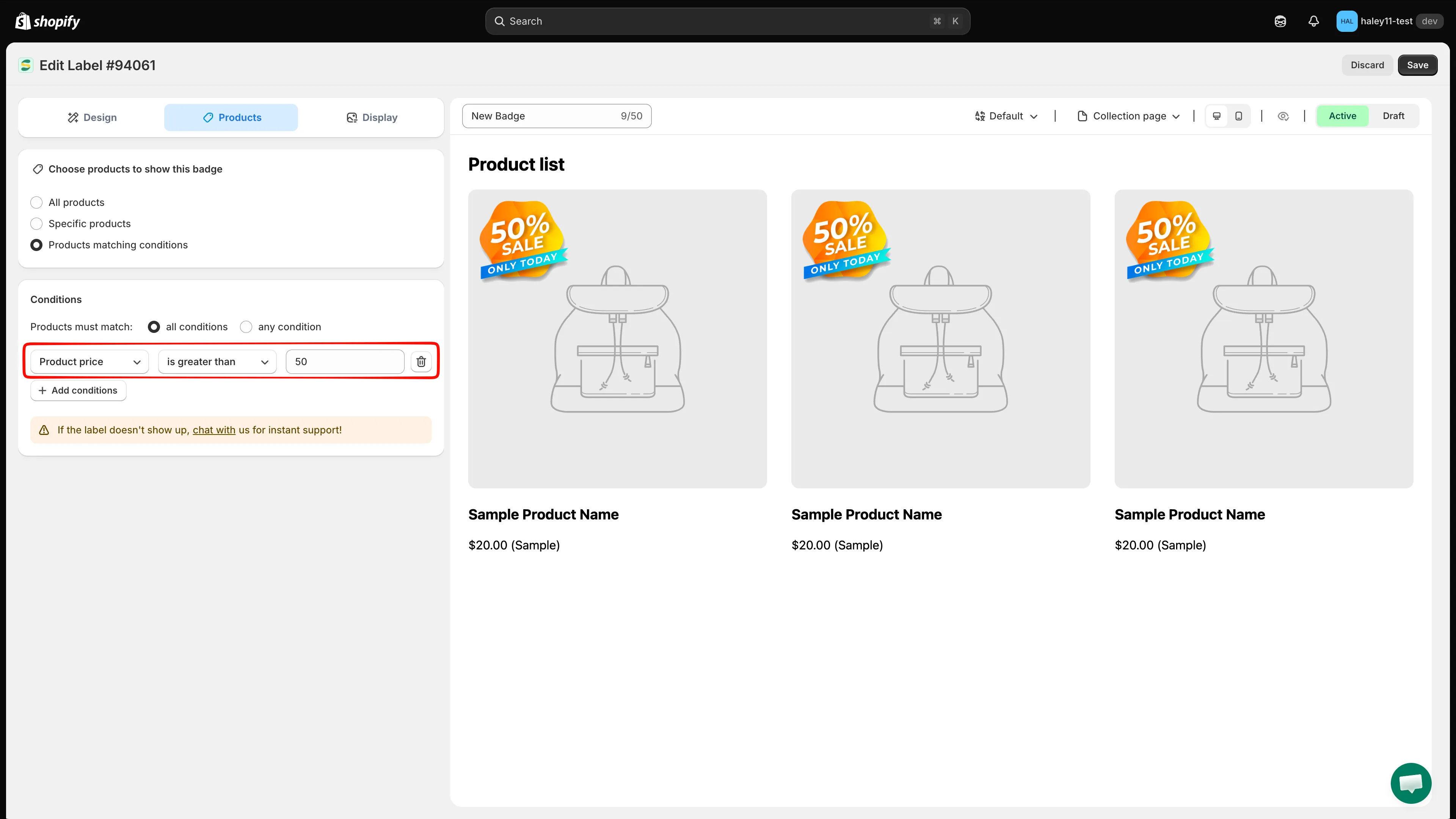
定位价格高于 50 的产品的条件规则。
-
点击 Save 应用条件。符合规则的产品将自动显示该徽章。
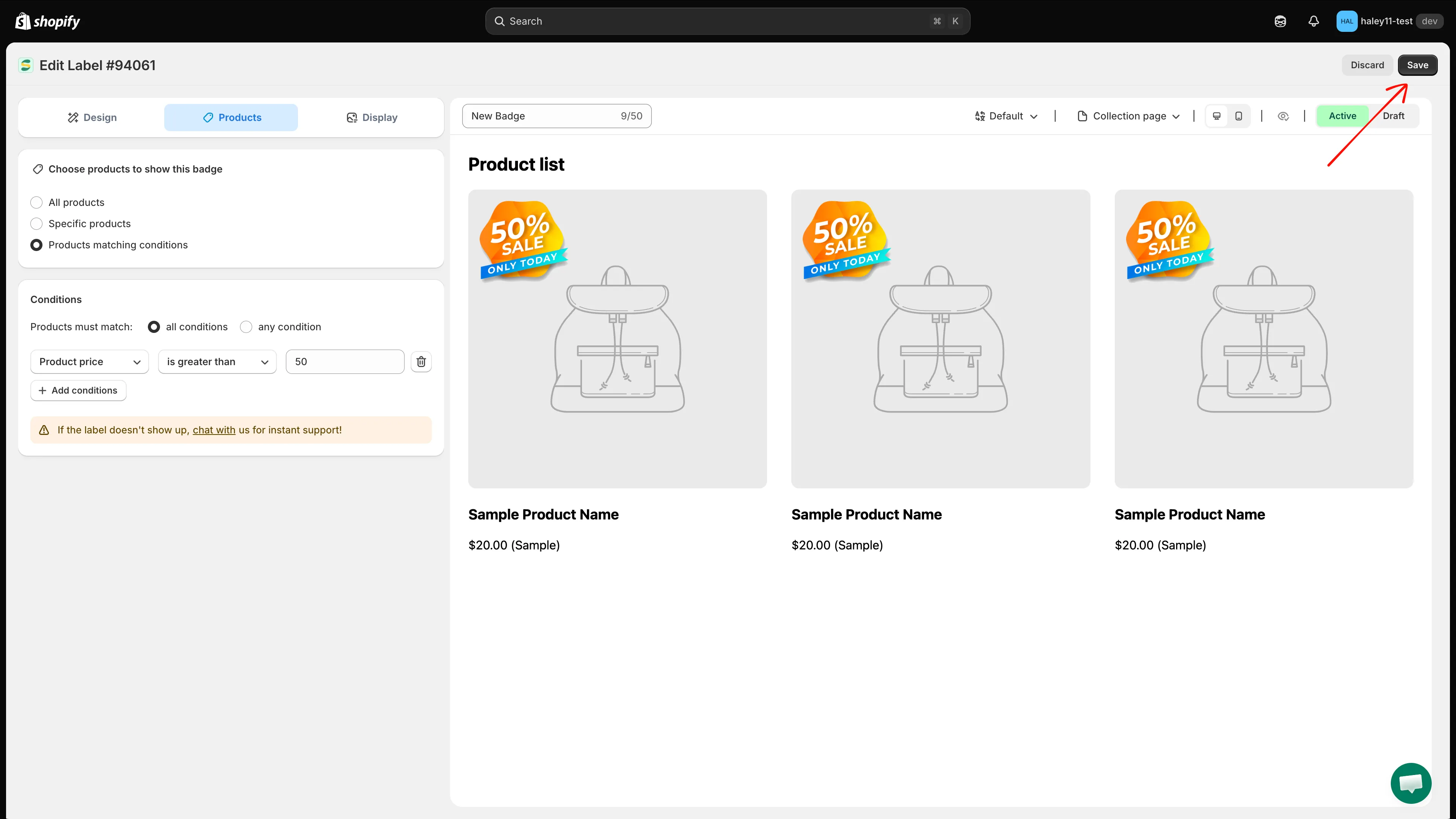
点击 Save 应用条件规则。
AND 与 OR 逻辑
Section titled “AND 与 OR 逻辑”添加多个条件时,您可以选择它们之间的配合方式:
| 逻辑模式 | 行为 |
|---|---|
| All conditions (AND) | 产品必须符合每一条规则,徽章才会出现。当产品需要满足所有条件时使用。 |
| Any condition (OR) | 产品只需符合其中一条规则。用于更宽泛的定位。 |
All conditions (AND):
- Product type is equal to “T-Shirt” AND Product price is greater than 30
- 结果:只有价格高于 $30 的 T 恤会显示徽章。
Any condition (OR):
- Product vendor is equal to “Nike” OR Product vendor is equal to “Adidas”
- 结果:所有 Nike 和 Adidas 的产品都会显示徽章。
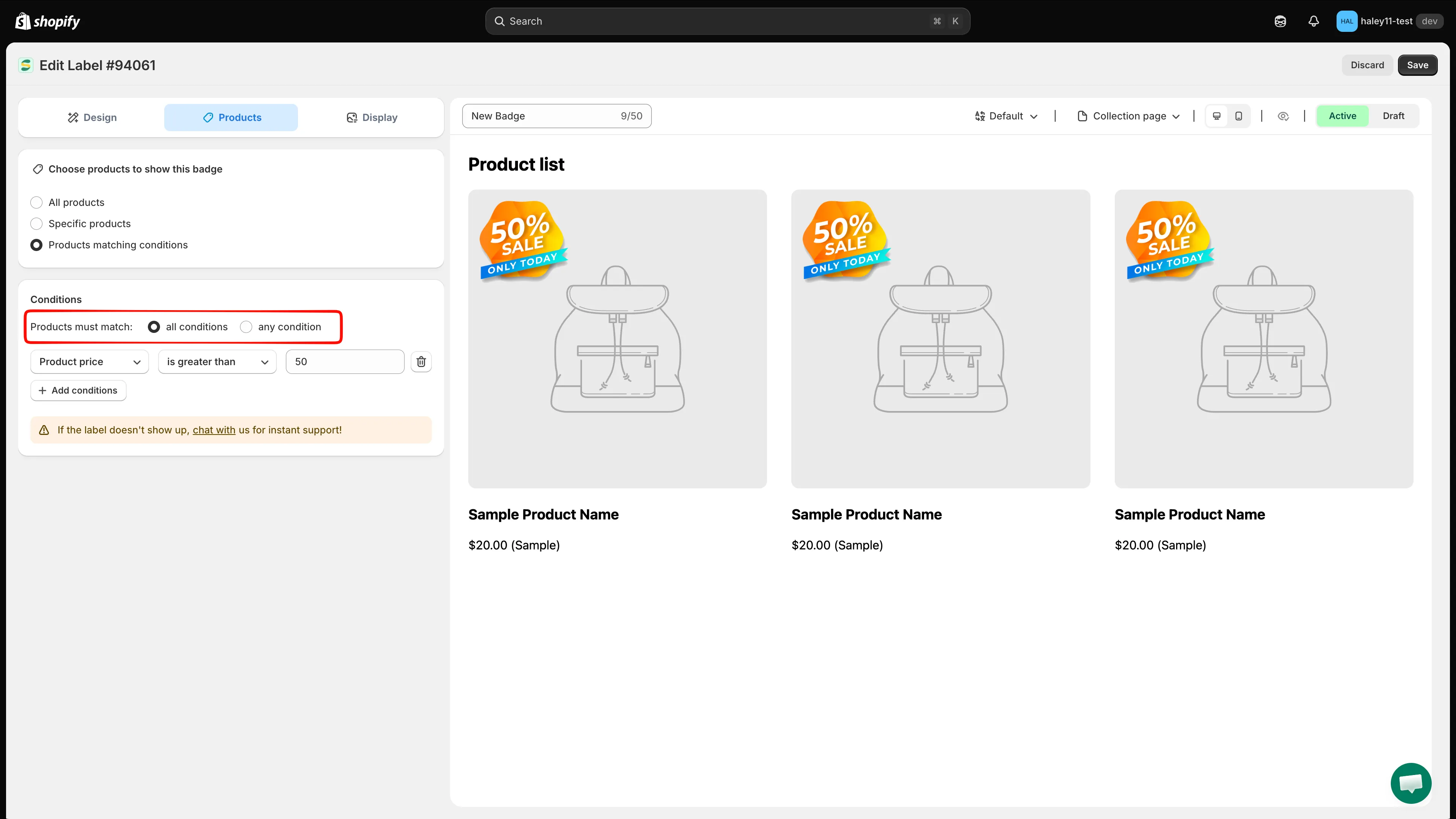
为您的规则选择 All conditions (AND) 或 Any condition (OR) 逻辑。
常见使用场景
Section titled “常见使用场景”- 折扣商品上的促销徽章:Product compare price
is greater than0 会为所有正在促销的商品添加徽章。 - 低库存提醒:Product inventory 配合
stock availability is less than5,可显示“Almost Gone”徽章。 - 新品上架:Product created 配合
is less than30,可匹配最近 30 天内添加的所有商品。 - 特定产品系列的徽章:Collections
is equal to“Summer Collection”。
- 条件运算符参考:所有字段和运算符,以及它们可接受的值。
- 按客户定位:根据登录状态和客户标签显示徽章。
- 按国家/地区和语言定位:为特定地区或语言显示徽章。
- 定位产品:返回产品定位概览。